Skip to content

Walkthrough demos

See our AI working inside Dynamics 365

Click through each product yourself, or watch the recorded walkthroughs. Bank Reconciliation AI, Risk & Compliance AI and the AI Assistant, on Microsoft demo data, at your own pace.

click-through demos
4click-through demos
recorded walkthroughs
8recorded walkthroughs
of video in total
22 minof video in total

The full library

Click through each product yourself

Every click-through demo and recording, on Microsoft demo data, at your own pace.

  • Free: just your business email
  • A one-click personal link, valid for 14 days
  • No customer data: Microsoft’s Contoso demo company

Get your access link

Takes a minute. We email a one-click link, with a code as a fallback.

Your access link is sent here and only works for this address. Personal addresses (Gmail, Outlook.com, Yahoo and similar) are not accepted.

Already have a code? Enter it here

We use your details to send your access link and respond to your request. Privacy Policy.

What is inside

Exactly what you will see

Every demo in the library, listed here before you sign up. Click-throughs open in a new tab; videos play in the library.

Work email
In production

Bank Reconciliation AI

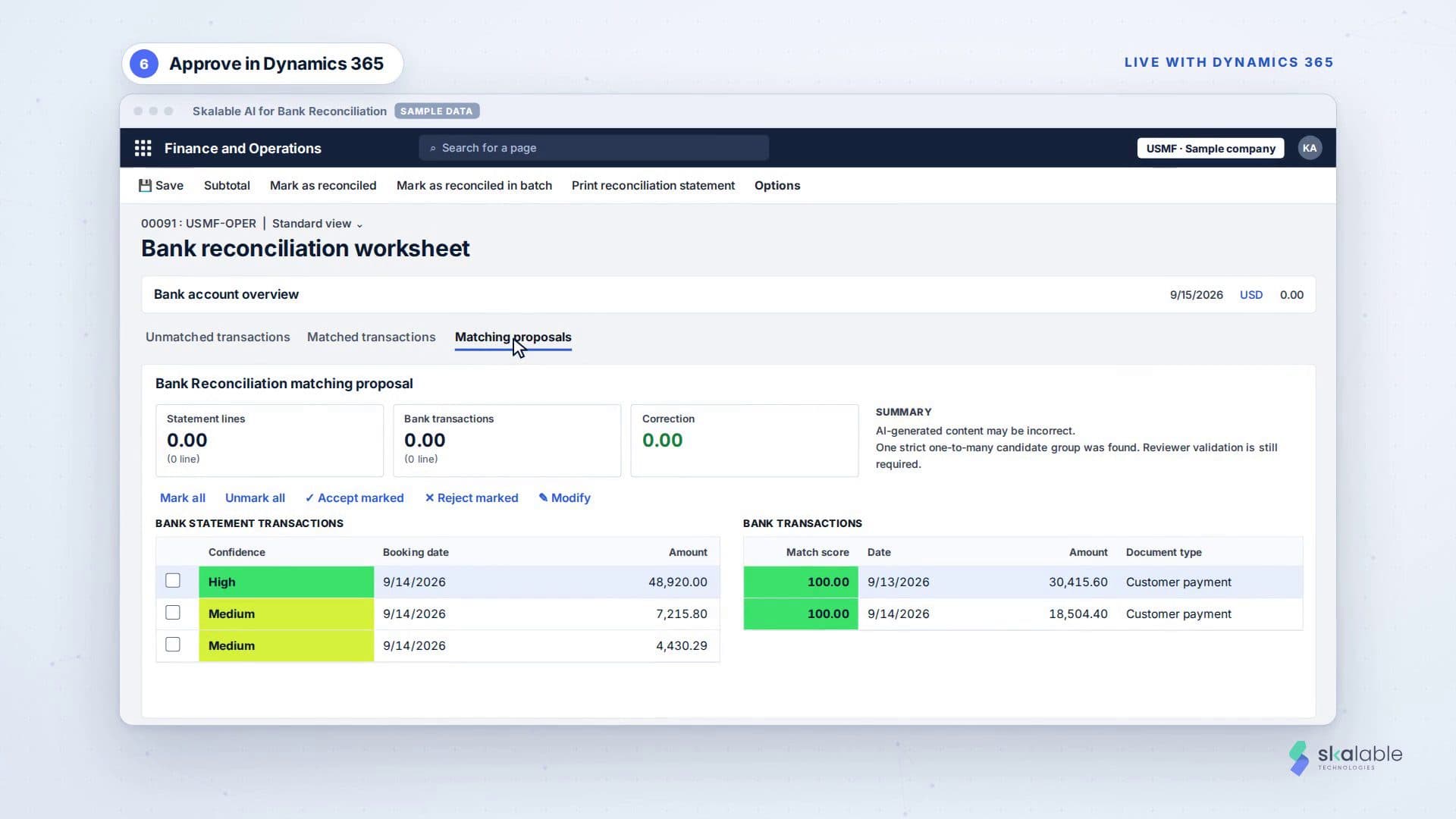
Import a bank statement, let the AI propose matches, then review and accept them in the Dynamics 365 bank reconciliation worksheet.

  • Import a statement and accept AI matches in Dynamics 365Click-through, at your own pace
  • Inspect a matching runClick-through, at your own pace
  • Narrated walkthrough: a live run against Dynamics 365Video, 3:19, narrated
About Bank Reconciliation AI →
Work email
Early access

Risk & Compliance AI

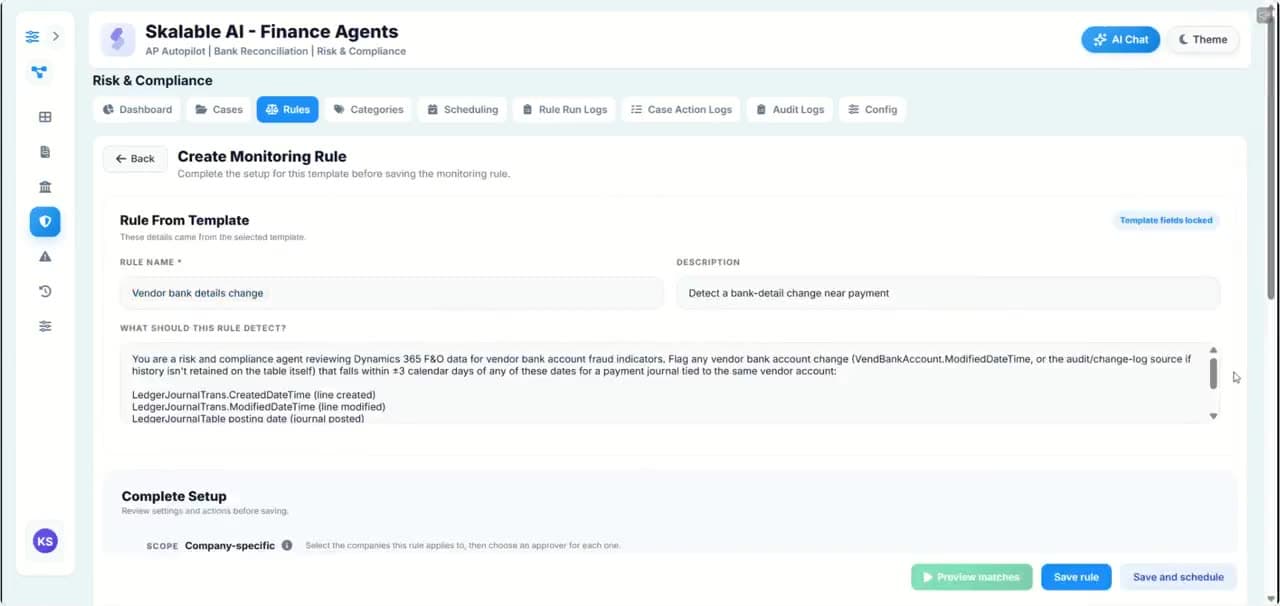
Set up a monitoring rule from a template, see the case it raises, and act on it with the evidence in front of you.

  • From rule to resolved caseClick-through, at your own pace
  • The same walkthrough as a videoVideo, 1:45, no sound
About Risk & Compliance AI →
Work email
Available for demo

AI Assistant for Dynamics 365

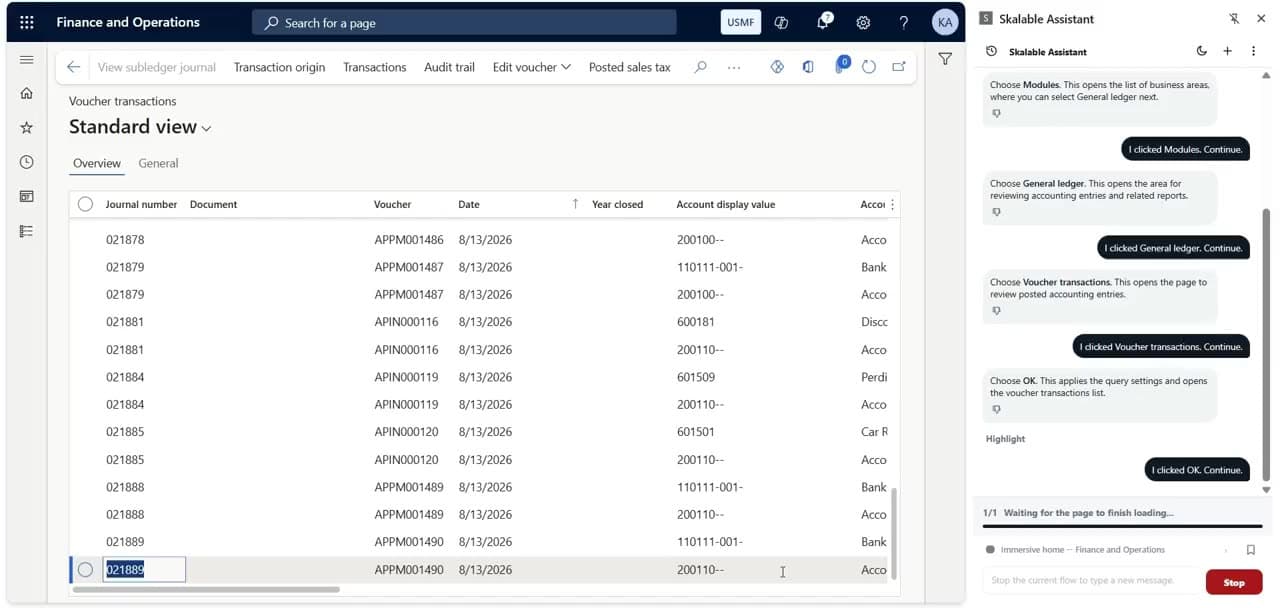
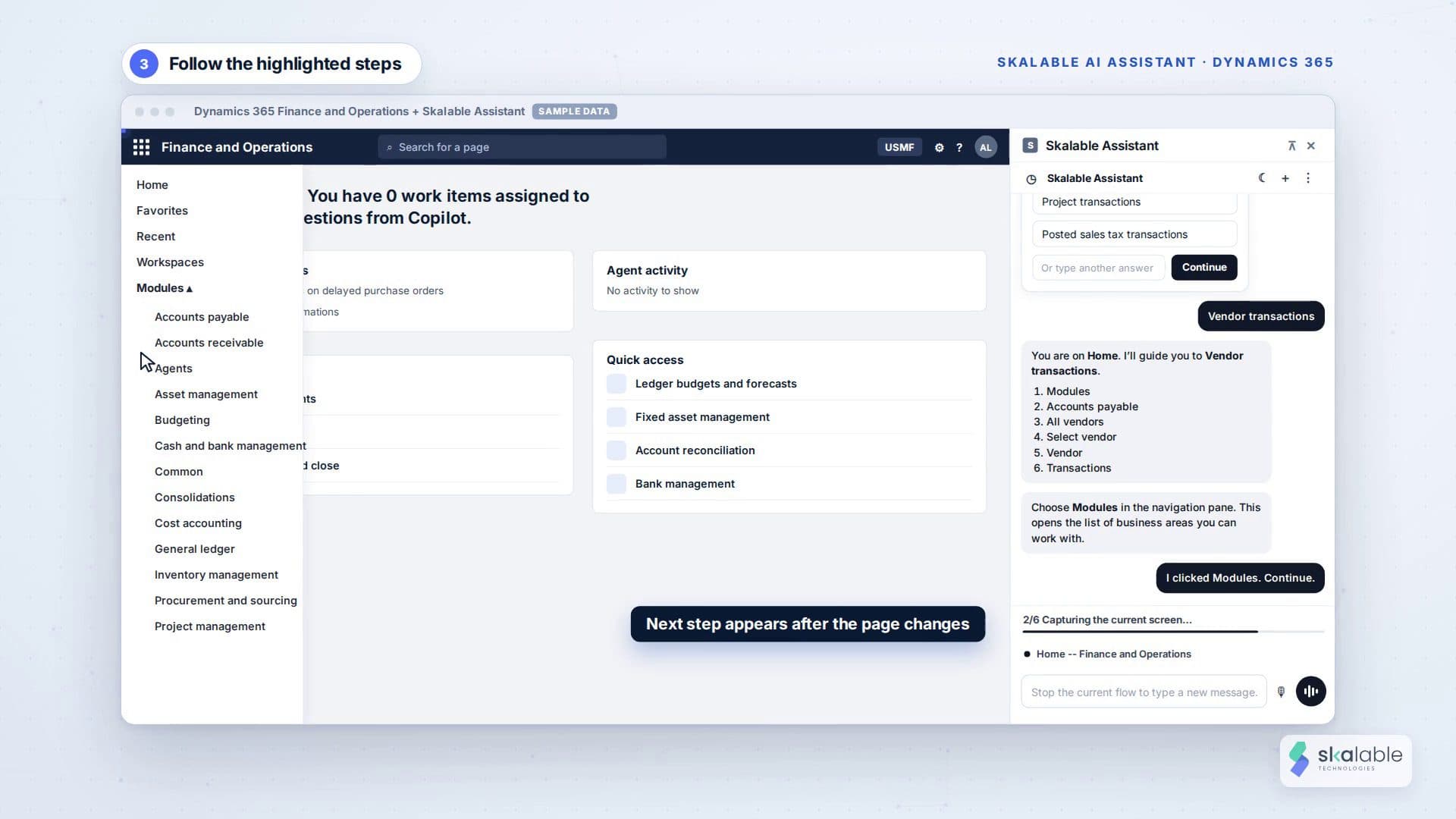
Ask in plain words, by chat or by voice, and the Assistant guides you step by step to the right page in Dynamics 365.

  • Ask where to find accounting entriesClick-through, at your own pace
  • Chat: find voucher transactionsVideo, 2:21, no sound
  • Chat: find posted sales taxVideo, 2:31, no sound
  • Chat: open a vendor’s transactionsVideo, 3:15, no sound
  • Voice: find a check depositVideo, 3:11, with voice
  • Voice: review unposted journal entriesVideo, 2:21, with voice
  • Voice: find posted project transactionsVideo, 3:24, with voice
About AI Assistant for Dynamics 365 →

How access works

Three steps, about two minutes

  1. Step 1: Request with your business email

    That’s all we ask. Personal addresses are not accepted.

  2. Step 2: Get your personal link

    We email a one-click link, and a code as a fallback, for 14 days.

  3. Step 3: Explore, then talk to us

    Open the library at your own pace. When you want to see your own scenarios, book a live walkthrough.

FAQ

Before you ask

Prefer a person? Book a live walkthrough.

Why do you ask for a work email?

The demos show how our products work inside Dynamics 365, so we share them with people evaluating them for a business. We do not send access to Gmail, Outlook.com, Yahoo, iCloud or other personal addresses.

Can I share my access link with colleagues?

Please don’t. Each link and code is personal to the email address it was sent to. Colleagues can request their own in a minute.

How long does access last?

14 days from the day the email is sent. After that, request new access or ask us for a live walkthrough.

Whose data is in the demos?

None of our customers’ data. Every demo runs on Microsoft’s Contoso demo company (USMF) in our own Dynamics 365 sandbox.

Can we see it on our own scenarios?

Yes. Book a live walkthrough and bring your questions. For Bank Reconciliation AI we can talk through your bank accounts, statement formats and matching rules.